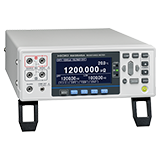
How to transfer measurement data from a resistance meter to a PC
QHow to transfer measurement data from a resistance meter to a PC
A
To transfer measurement data from a resistance meter to a PC, connect the instrument to the PC via a USB, RS-232C, or LAN interface. Using the dedicated software, you can continuously display changes in the measured values, capture measurement data at specified intervals, and configure the instrument settings from the PC.
The dedicated software varies depending on the instrument you are using.
Please refer to the link below.
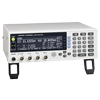
・RESISTANCE METER RM3545, RM3545A
RESISTANCE METER RM3545 Application
https://www.hioki.com/sg-en/support/download/software/versionup/detail/id_n9859
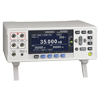
・RESISTANCE METER RM3544
Sample Application(RM3544Series DM7275Series DM7276Series)
https://www.hioki.com/sg-en/support/download/software/versionup/detail/id_n9860
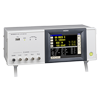
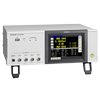
・LCR Meter (IM3523, IM3533, IM3536, etc.)
LCR Sample Application (3511-50/IM3523/IM3523A/IM3533/IM3533-01/IM3536/IM3570/IM3590)
https://www.hioki.com/sg-en/support/download/software/versionup/detail/id_n10053
・Sequence Maker, a command send/receive add-in for Excel®
https://www.hioki.com/sg-en/support/download/software/versionup/detail/id_609
Please note that some products may not be supported, so please check individually.
For the latest application information, please enter a specific product model from the following link.
Software Download https://www.hioki.com/sg-en/support/download/software