GENNECT Space SF4300
Measurement Data Integration Software with Synchronized Video
NEW
Analysis software that integrates data from multiple instruments and links it to real-world events
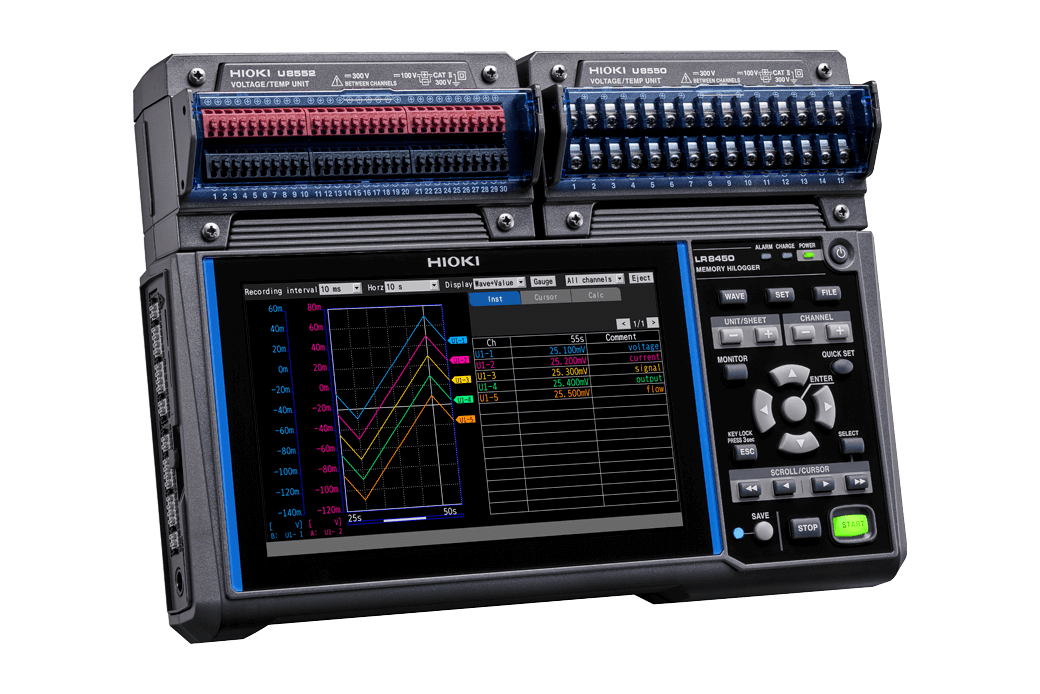
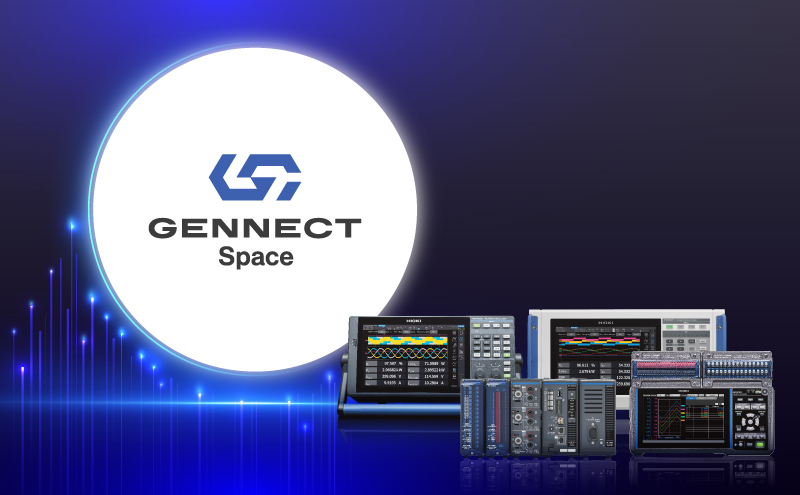
Gennect Space is a measurement data integration software that centralizes data from Hioki measuring instruments.
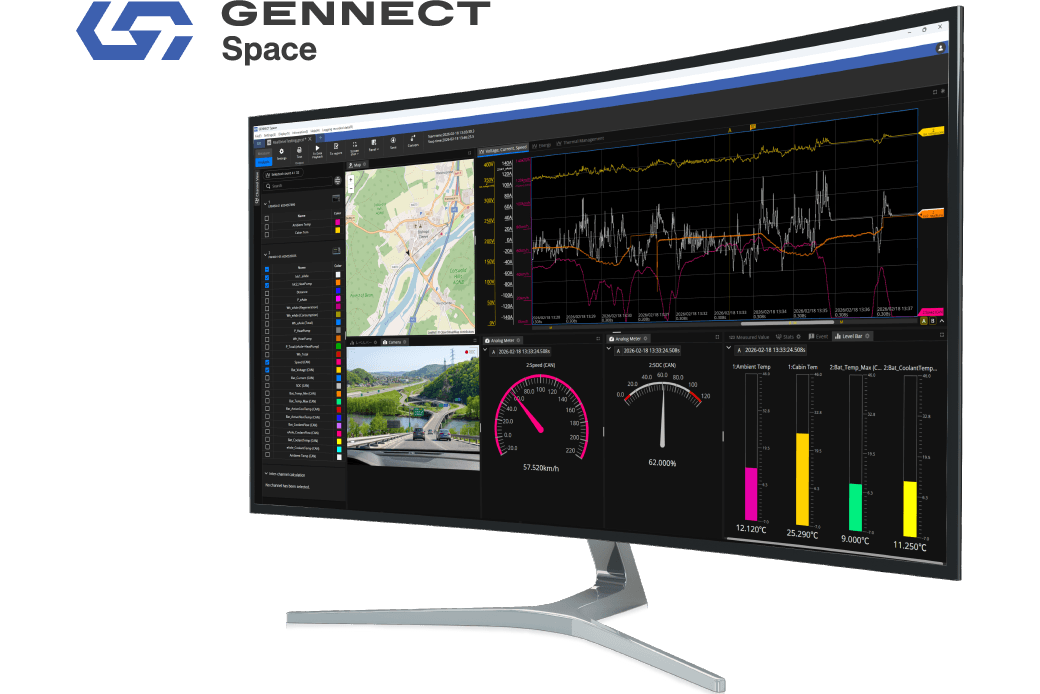
It brings together measurement data and synchronized video in one workspace, making analysis, visualization, and reporting more efficient.
GENNECT Space V1.5 Released!
In addition to real-time measurement, it now supports importing data files from measurement instruments.
Past test data can now also be centrally managed on GENNECT Space.
Download complimentary software
Key Features
- Quick system setup for data acquisition from Hioki instruments
- Multi-instrument data integration in a unified workspace
- Time-synchronized measurement, video, and GPS data
- High-speed data acquisition with 1 ms sampling resolution
- Large-scale multi-channel integration up to 3,000 channels
- Customizable analysis dashboards for flexible workflows
- Flexible measurement data replay at variable speeds
- Remote firmware management via Gennect Cloud
Model No. (Order Code)
| SF4300 | Software for Windows |
|---|
Integrating Data into One Space
Measurement Data Integration Software GENNECT Space
Analysis software that integrates data from multiple instruments and links it to real-world events.
Available on: Windows
Get Started Now!
What’s new in GENNECT Space V1.5
・Import and Analyze Instrument Waveform Files
Import waveform files saved by compatible instruments into GENNECT Space for post-measurement review and analysis.
・Export Data in MDF Format
Export measurement data in MDF format for easier analysis with external tools and smoother integration into existing workflows.
・Graphical Panel
Use meter displays and statistical values to intuitively check measurement status and quickly identify abnormal values.
Build faster. Measure sooner.
Measurement system setup is simplified, so you spend less time configuring and more time analyzing.
・Build complete measurement workflows—no coding required
Cover monitoring, recording, visualization, and analyzing in one environment.
・Combine multiple instruments into a single workflow
Seamlessly integrate loggers, power analyzers, and more on a unified timeline.
・Control all instrument settings from one PC
Manage configurations centrally instead of setting up each device individually.
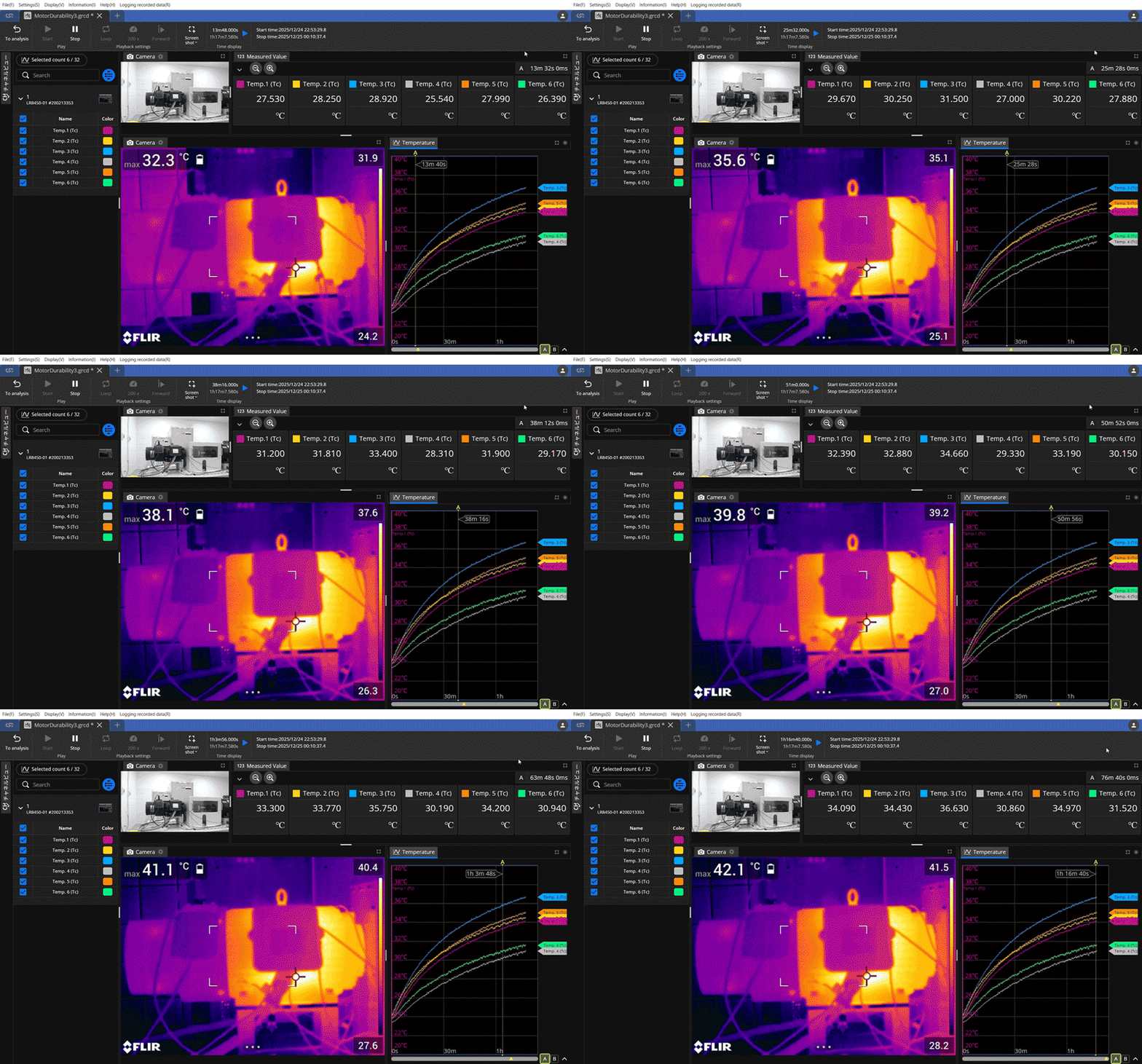
See data in context, not just numbers
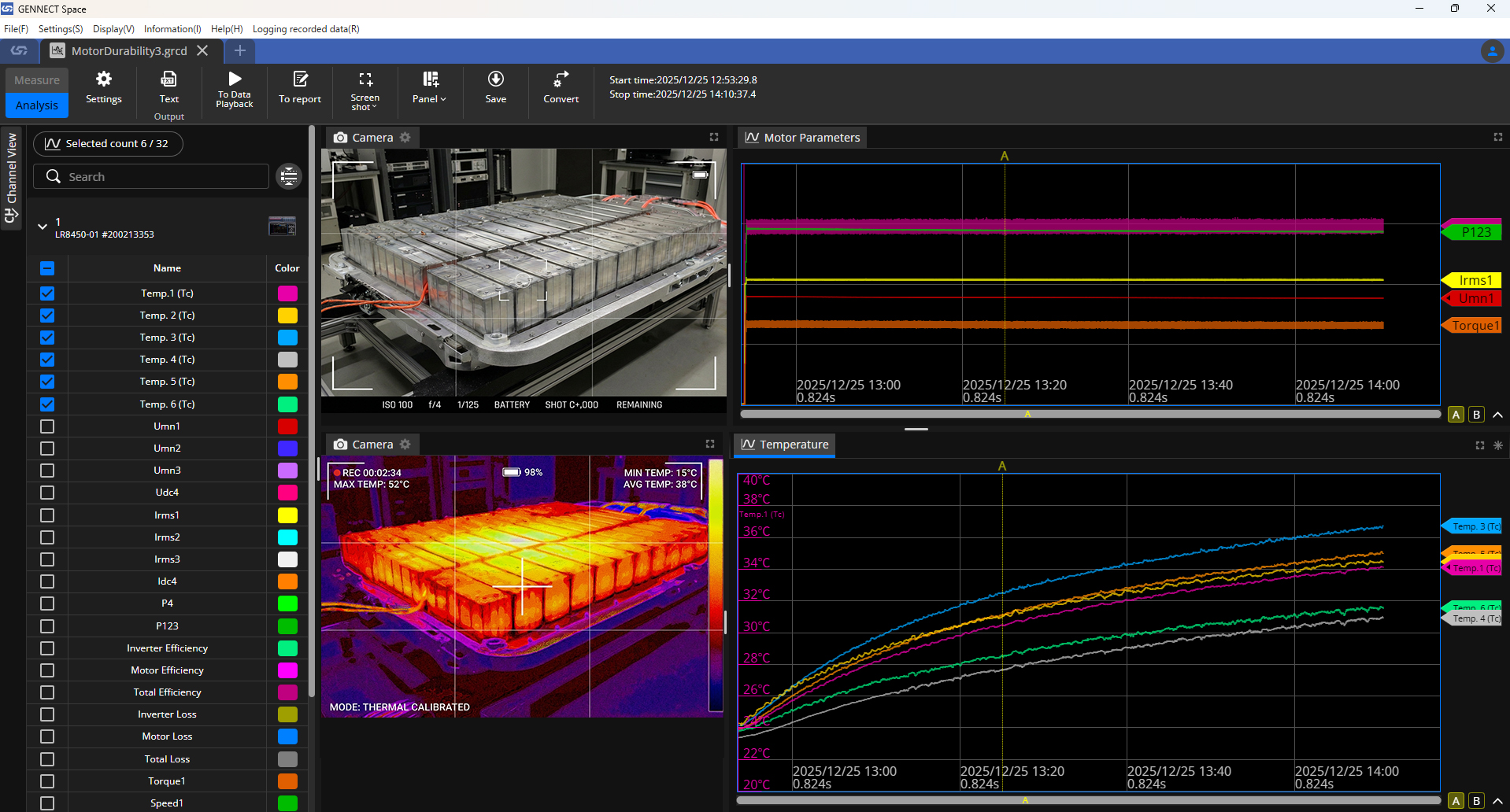
Measurement data, video, and GPS are synchronized automatically, so you can understand what really happened.
Design your own analysis view
Customize layouts to match your measurement purpose, test setup, and workflow.
・Waveform
・Measured values
・Video
・Map
・Instruments control panel
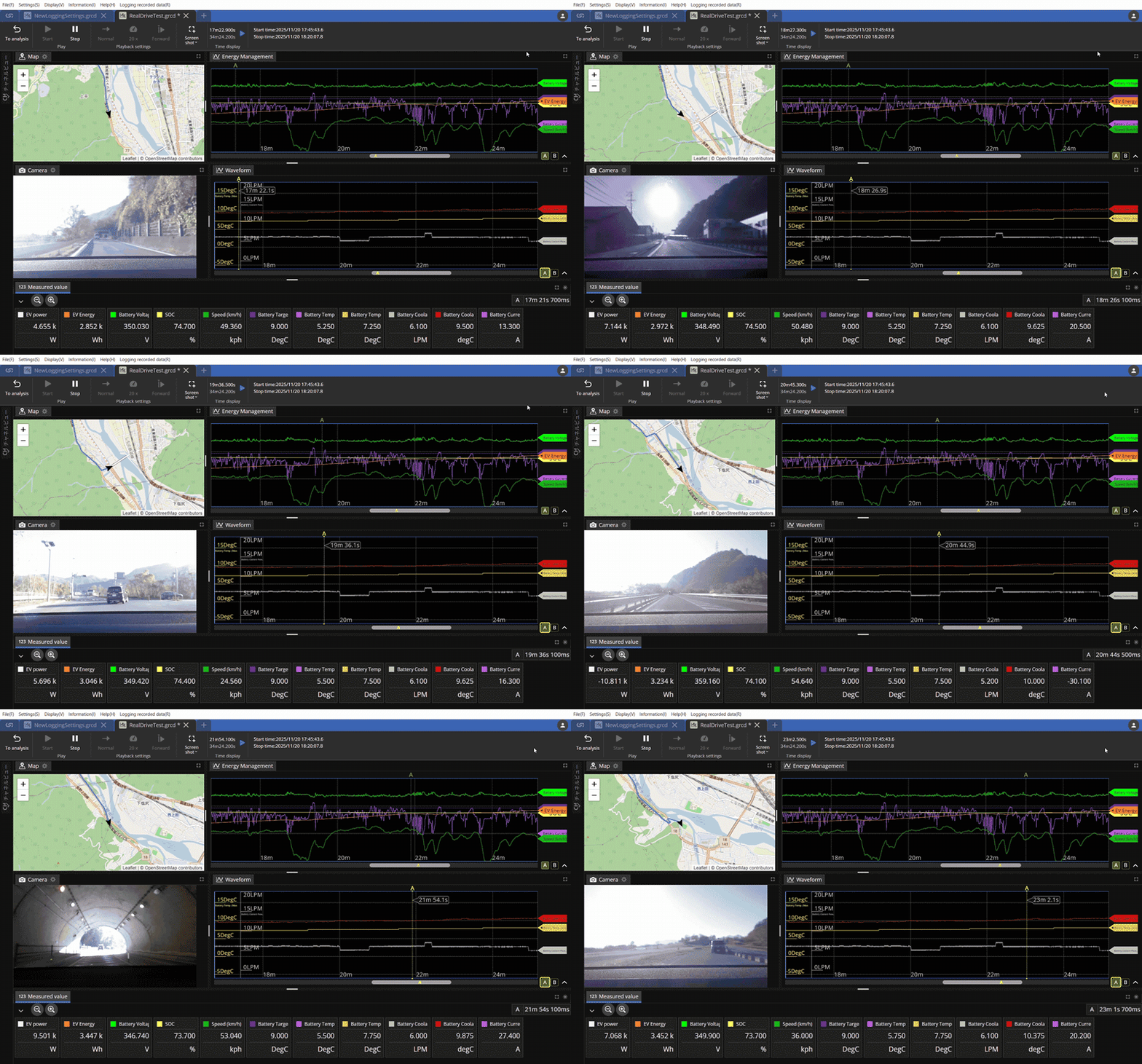
Replay, slow down, and discover
Play measurement data at any speed to closely inspect transient events and behaviors.
Powerful data acquisition
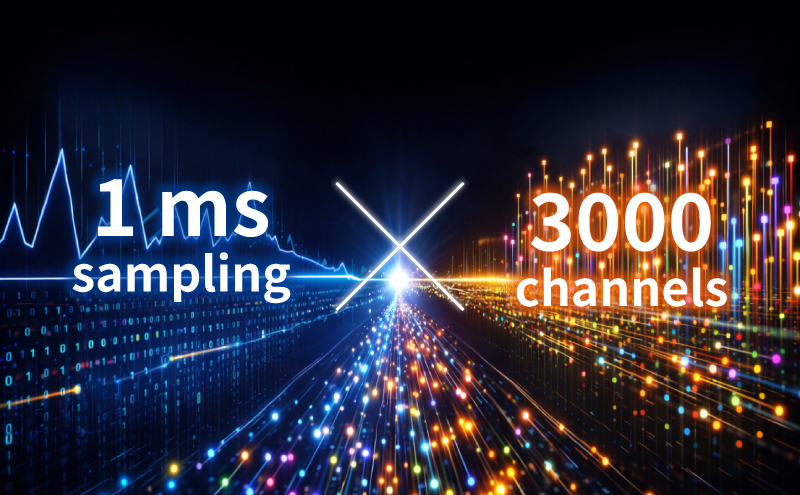
Capture fast-changing phenomena and massive amounts of data in a single consistent workflow—without sacrificing clarity or control.
・See fast events in full detail
Industry-leading 1 ms sampling captures rapid changes exactly as they happen.
・Scale to thousands of channels with ease
Measure up to 3,000 channels simultaneously while keeping analysis simple and consistent.
Simplified instrument update
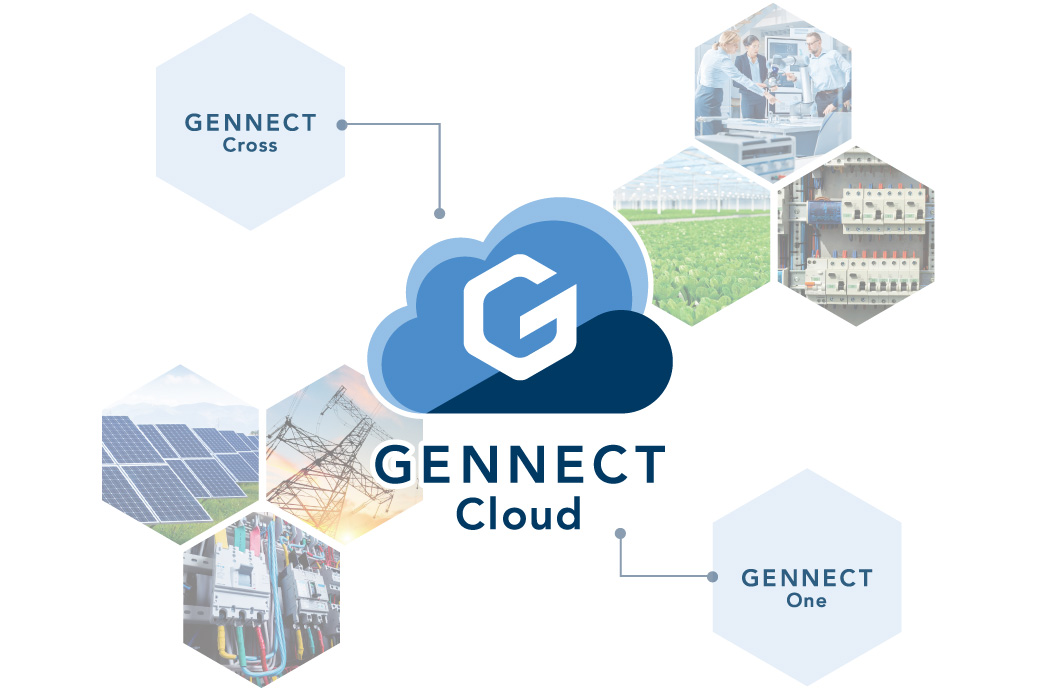
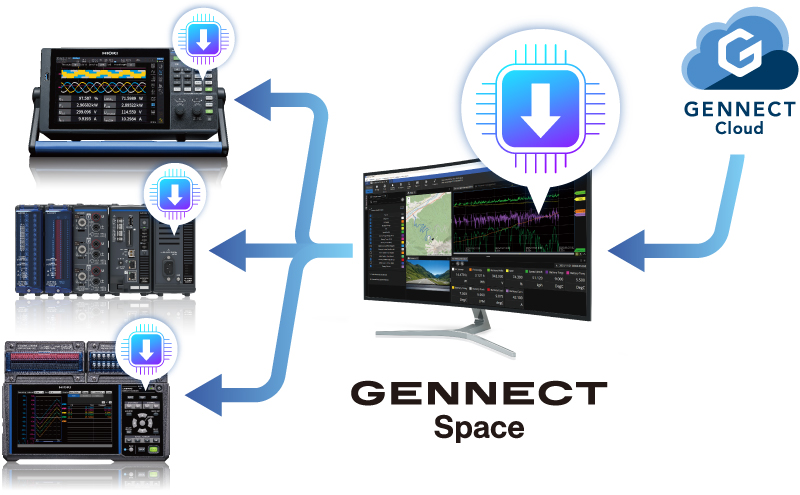
Gennect Cloud streamlines firmware management by enabling remote updates directly from your PC.
・Update instrument firmware
Keep your hardware current without manual update procedures.
・Reduce downtime and maintenance effort
Apply updates remotely and avoid unnecessary on-site work.
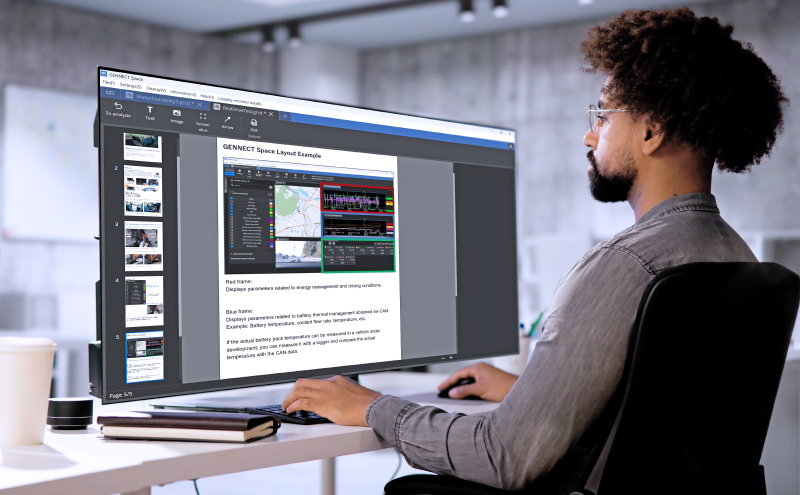
From analysis to reporting—one continuous workflow.
View and edit reports at any time directly within Analysis Mode. Summarize results while looking at the data—without breaking your flow.
・Create and edit reports during analysis
・Easily paste screen snapshots
・Save and share data and reports together
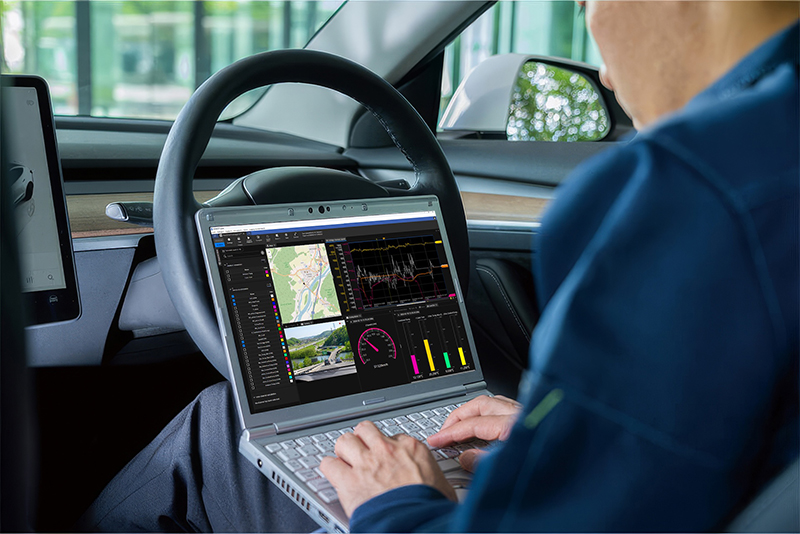
Integrate data easily with GENNECT Space in 3 steps
1. Connect Your Instruments
Connect your PC and instruments via LAN, then follow the guide to start measurement.
2. Arrange Your Workspace
Freely arrange graphs, numerical values, camera views, meters, and other panels—even during recording.
3. Review and Create Reports
Replay and review recorded data, create reports, and export data in CSV or MDF format.
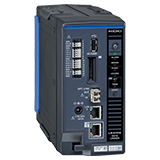
Compatible measuring instruments
| Model number | Product name | Supported version |
|---|---|---|
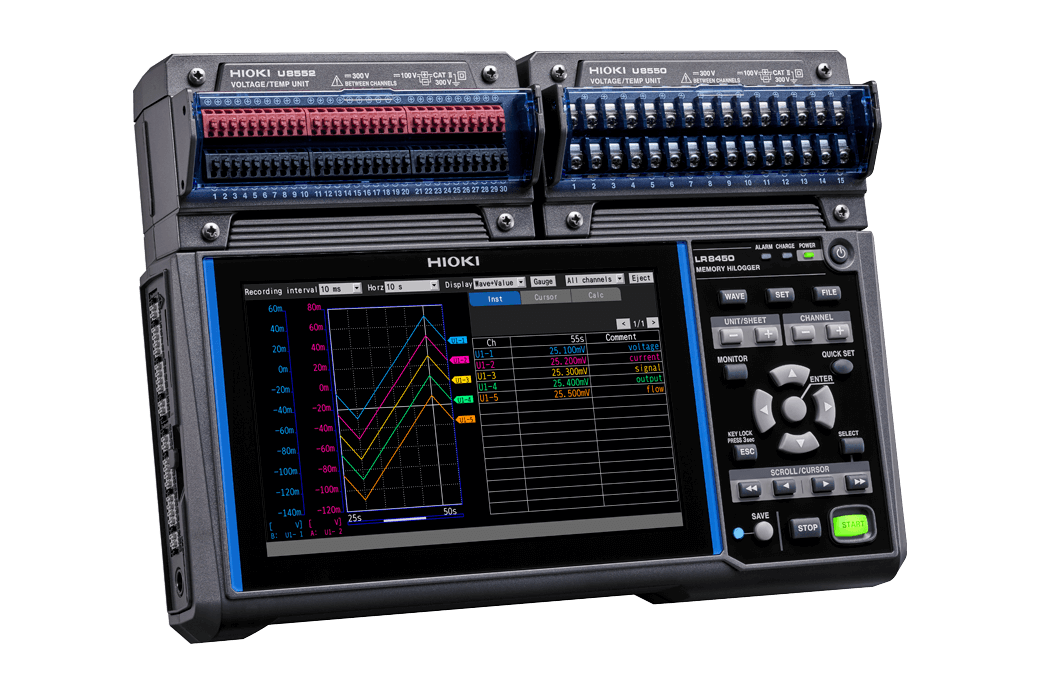
| LR8450 | Memory HiLogger | V3.00 or later |
| LR8450-01 | Wireless Memory HiLogger | V3.00 or later |
| LR8101, LR8102 | Data Logger | V1.60 or later |
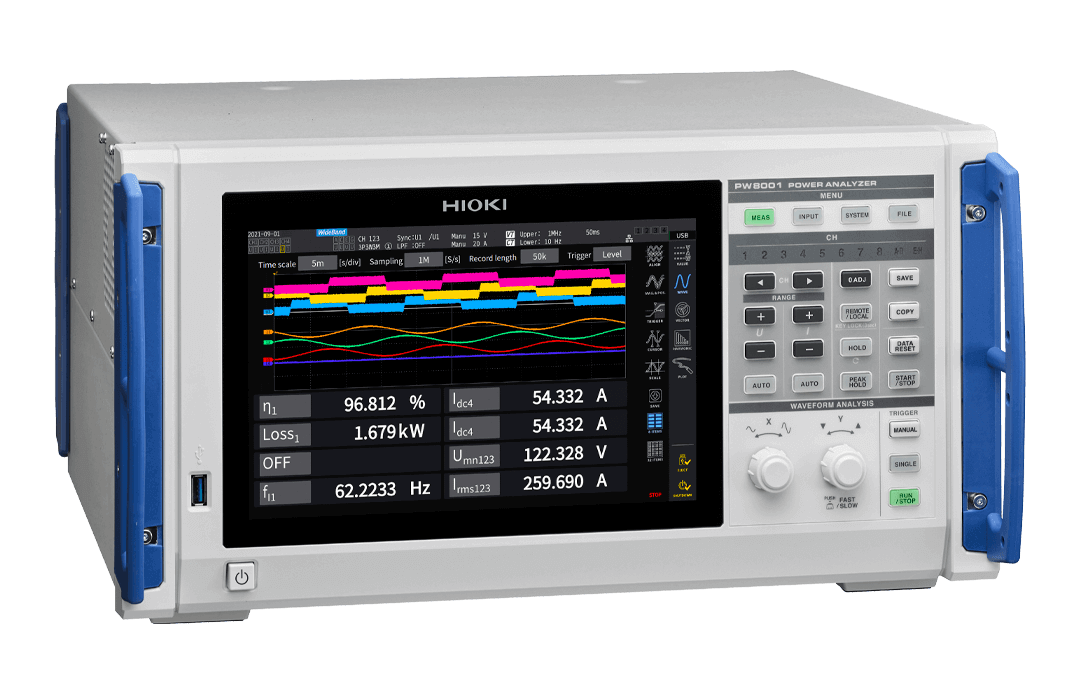
| PW8001 | Power Analyzer | V2.60 or later |
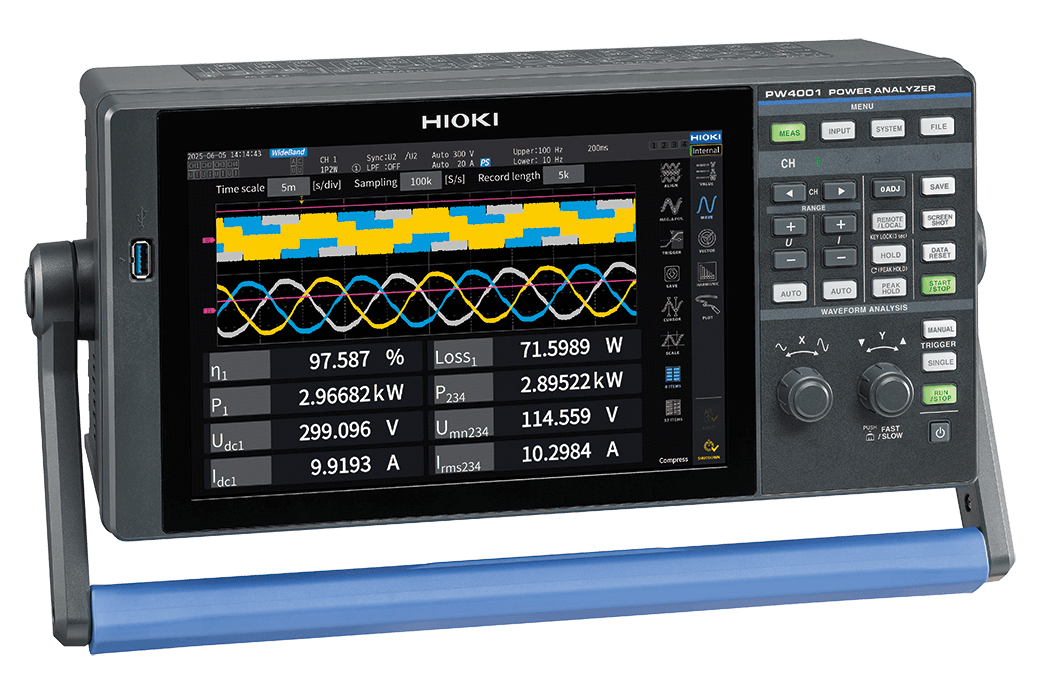
| PW4001 | Power Analyzer | V1.01 or later |
Operating environment (recommended)
| OS | Windows 11, Windows 10 (64 bit, 21H2 or later) |
|---|---|
| Processor | Intel Core i7 10th generation (or equivalent) or better |
| Memory | 32 GB or more |
| Storage | SSD |
| Display | Full Hi-Vision (1920 × 1080) or better |
Functions
| Search | Automatically searches for measuring instruments on the computer’s network and adds them to the instrument list. |
|---|---|
| Remote Control | This utility function uses the HTTP server function to view the screen of a measuring instrument and to operate this instrument from this application. Supported measuring instruments: LR8450, LR8101, LR8102, PW8001, PW4001 |
| Instrument settings | Configures the settings of registered measuring instruments. Supported measuring instruments: LR8450, LR8101, LR8102 |
| Update | This utility function is used to check for and update the measuring instrument’s firmware to the latest version from this application. |
Basic specifications (data logging)
| Number of measuring instruments | Up to 30 |
|---|---|
| Number of channels | Simultaneous measurement of up to 3,000 items Inter-channel calculation: up to 100 |
| Recording interval | 1 ms, 5 ms, 10 ms, 50 ms, 100 ms, 200 ms, 500 ms, 1 s, 2 s, 5 s, 10 s, 30 s, 1 min The recording interval cannot be set to a value shorter than the instrument’s data update interval. |
| Recording period | Continuous, specified time (days, hours, minutes, and seconds), data length |
| Recording format | Binary file (file extension: .grcd) Text file (.csv/.txt) |
| Waveform panel | Displays and operates waveforms during monitoring, during recording, and after recording. Number of panels: up to 5 panels per logging session |
| Measured value panel | Displays measured values during monitoring, during recording, and after recording. Number of panels: up to 10 panels per logging session |
| Camera panel | Displays camera images during monitoring, during recording, and after recording. Number of panels: up to 5 panels per logging session |
| Map panel | Displays maps and GPS paths during monitoring, during recording, and after recording. Number of panels: up to 1 panel per logging session |
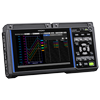
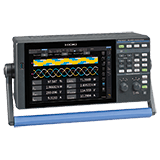
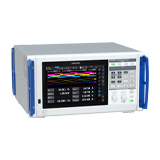
Supported models (5)
Last update: March 2026
-
Flyer: Gennect Space SF4300
 English
-
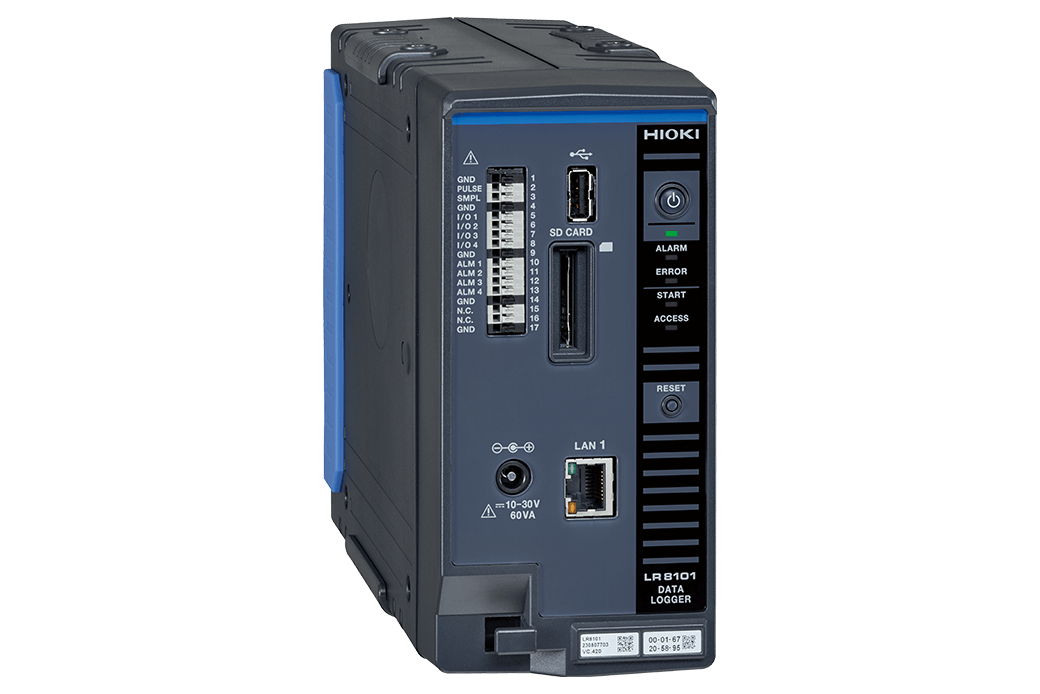
GENNECT SPACE SF4300
Instruction Manual
Simplified Chinese
Ver.02
-
GENNECT SPACE SF4300
Instruction Manual
English
Ver.02
- What’s New in GENNECT Space V1.5
- Simplify RDE Testing with Seamless Energy Consumption Analysis
- Supporting the Future of Energy Conversion! Revolutionizing Thermal Management with High-Precision Simultaneous Power and Temperature Measurement
- Thermal Runaway & Propagation Testing for Battery Safety
- Durability Assessment of Motors Based on Temperature and Power Data in Endurance Testing
- Multi-point Temperature Measurement in Battery Pack Development