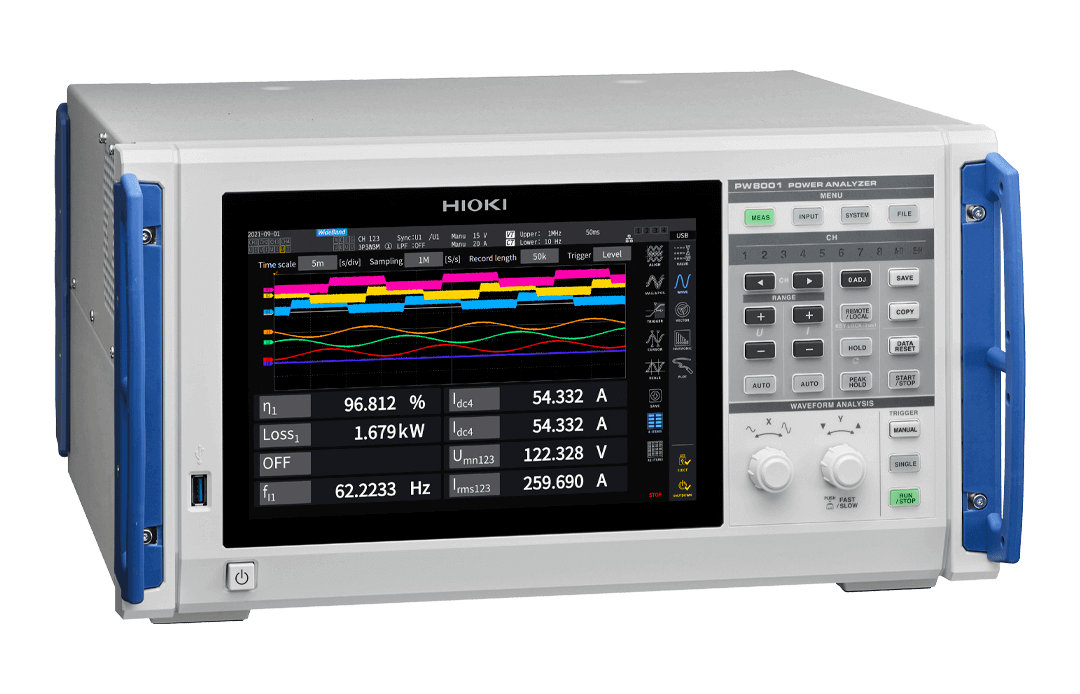
Failure of POWER ANALYZER PW8001-01, PW8001-02, PW8001-03, PW8001-04, PW8001-05, PW8001-06, PW8001-11, PW8001-12, PW8001-13, PW8001-14, PW8001-15, and PW8001-16
Non-conformity
When measuring flicker or d parameter in IEC mode of the PW8001 series, the product may output incorrect measurement values or invalid values, or it hangs up with Assert error dialog displayed under the specific condition.
Specific condition:
The signals are input to multiple channels and the zero cross detection timing shifts about 2ms of each channel
Subjected products
POWER ANALYZER PW8001-01, PW8001-02, PW8001-03, PW8001-04, PW8001-05, PW8001-06, PW8001-11, PW8001-12, PW8001-13, PW8001-14, PW8001-15, and PW8001-16
Subjected version: From V2.01 to V2.55
Action
The updated firmware to correct the above non-conformance is listed on our web site on December 16, 2025.
How to update the firmware
1. Please download the update file from our web site after registering the product to myHIOKI and follow the update procedures.
https://www.hioki.com/support/myhioki/login
2. The PW8001 is compatible with the OTA (Over the Air) update via the GENNECT One. Connect the PW8001 to the PC installed the GENNECT One V5.80 or later and execute the firmware update by searching for the product in the console screen. (Please note that the PC is connected to the internet and has the GENNECT Cloud account.)